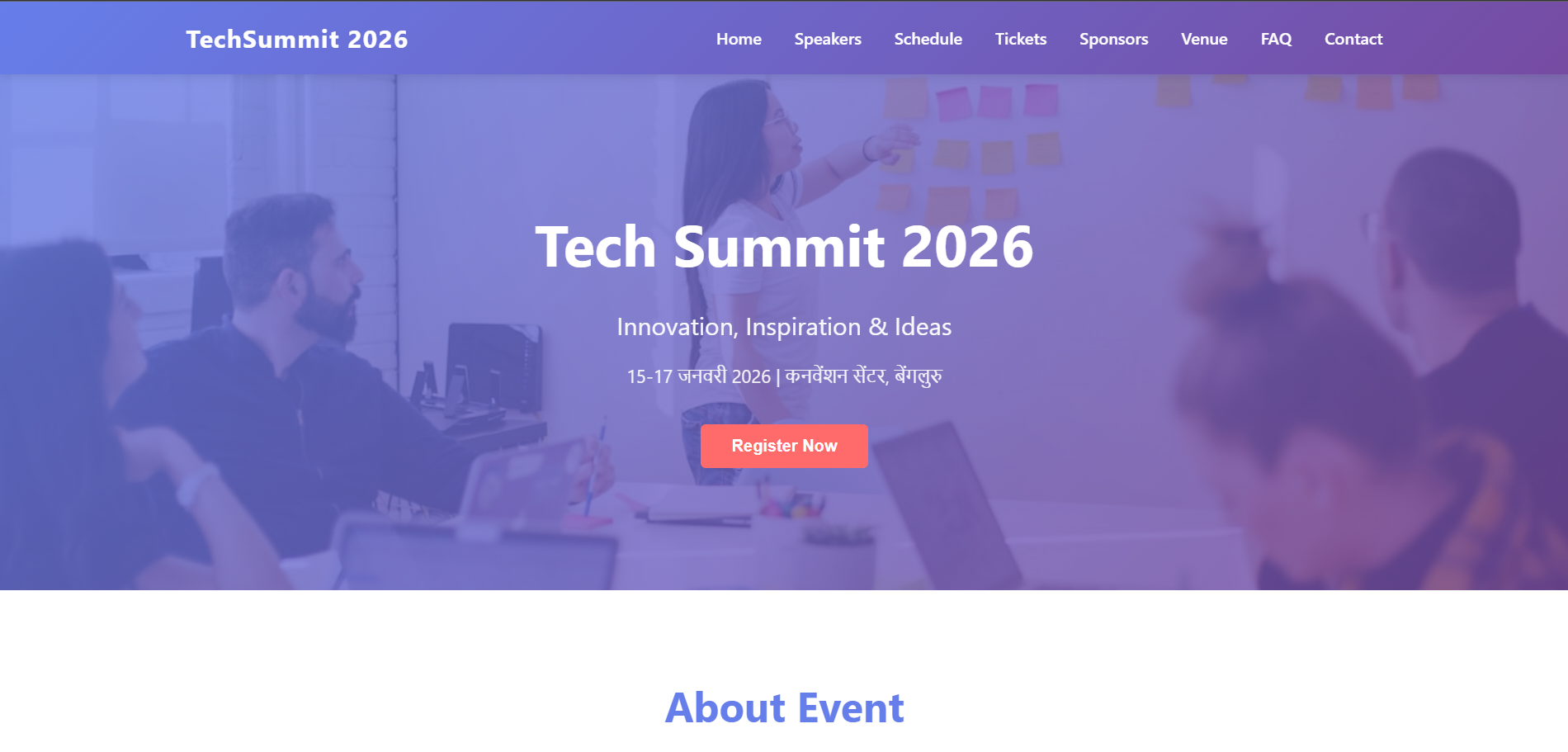
Event Webpage - Complete Event Website
Event Webpage - Complete Event Website
Live Preview
- Local Live Server Preview: https://kushalkumar-shaw.github.io/Event-Webpage/
Screenshots
Main Preview
Additional Screenshots
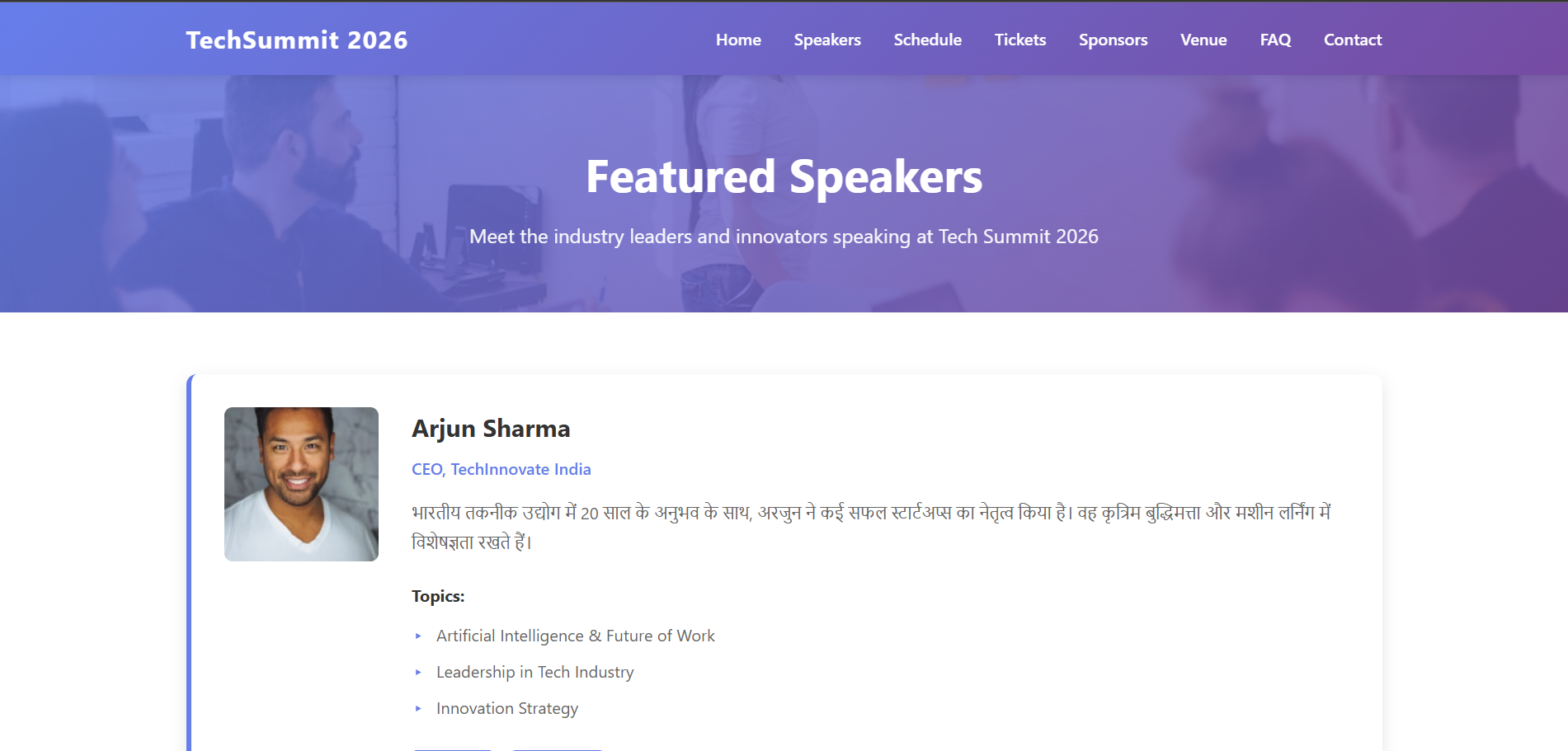
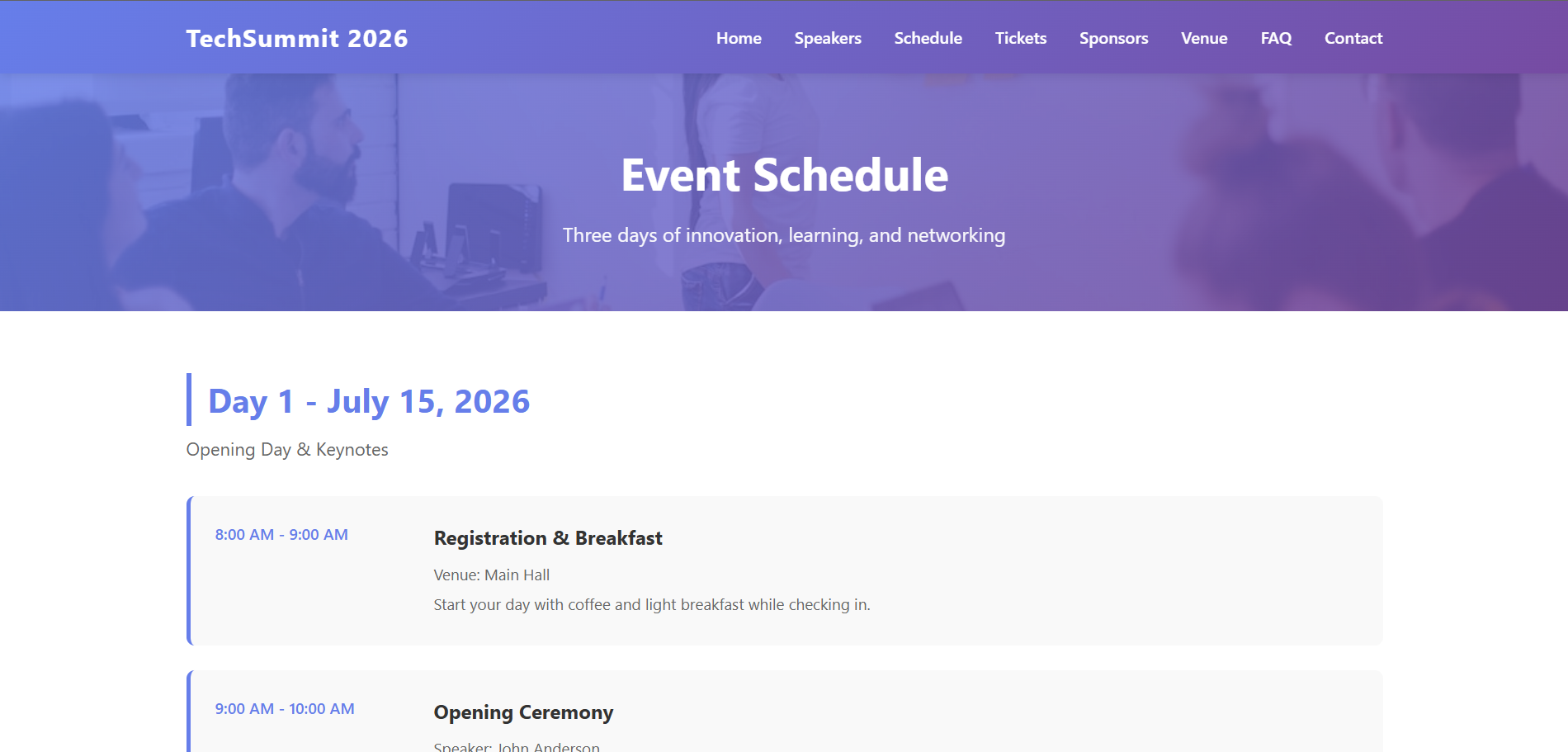
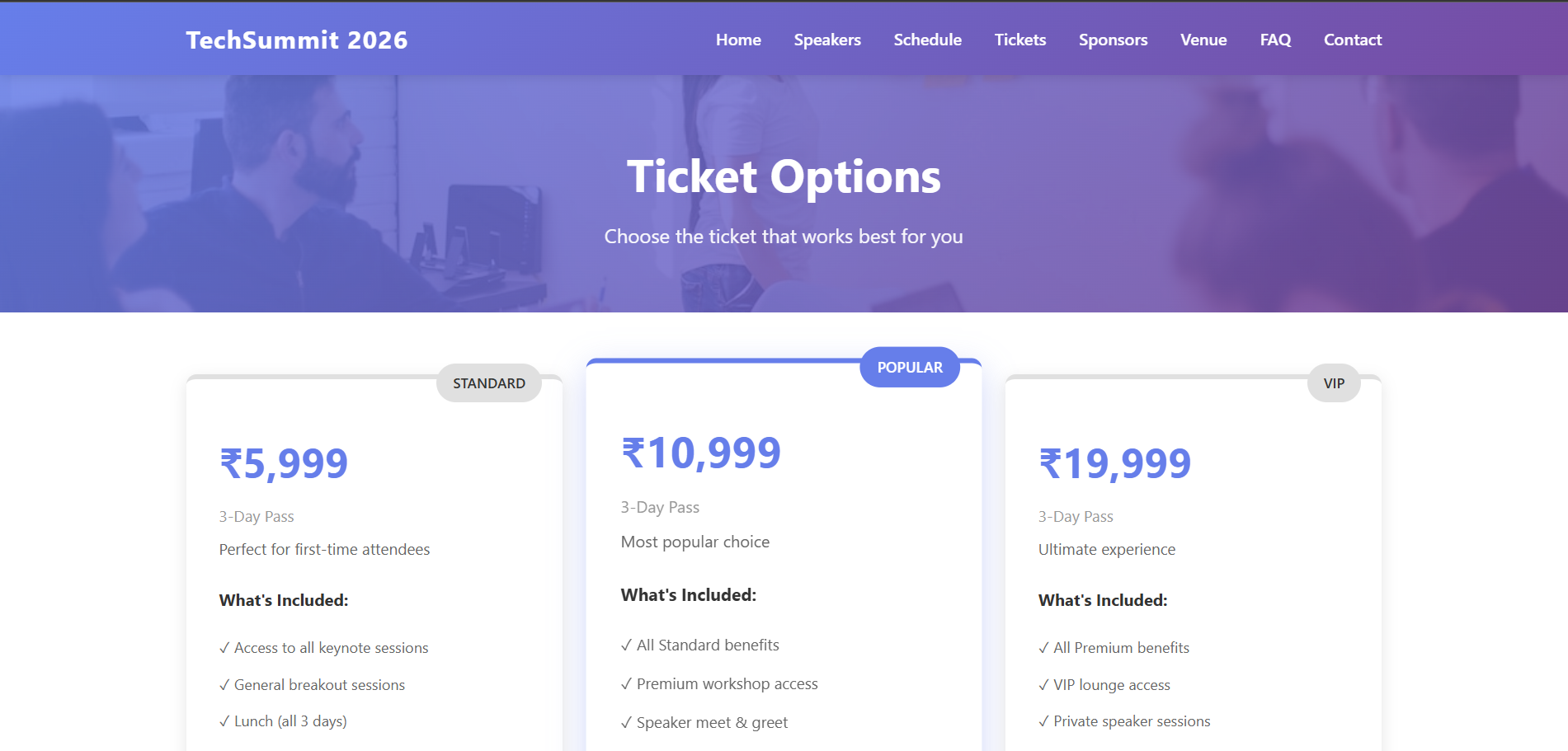
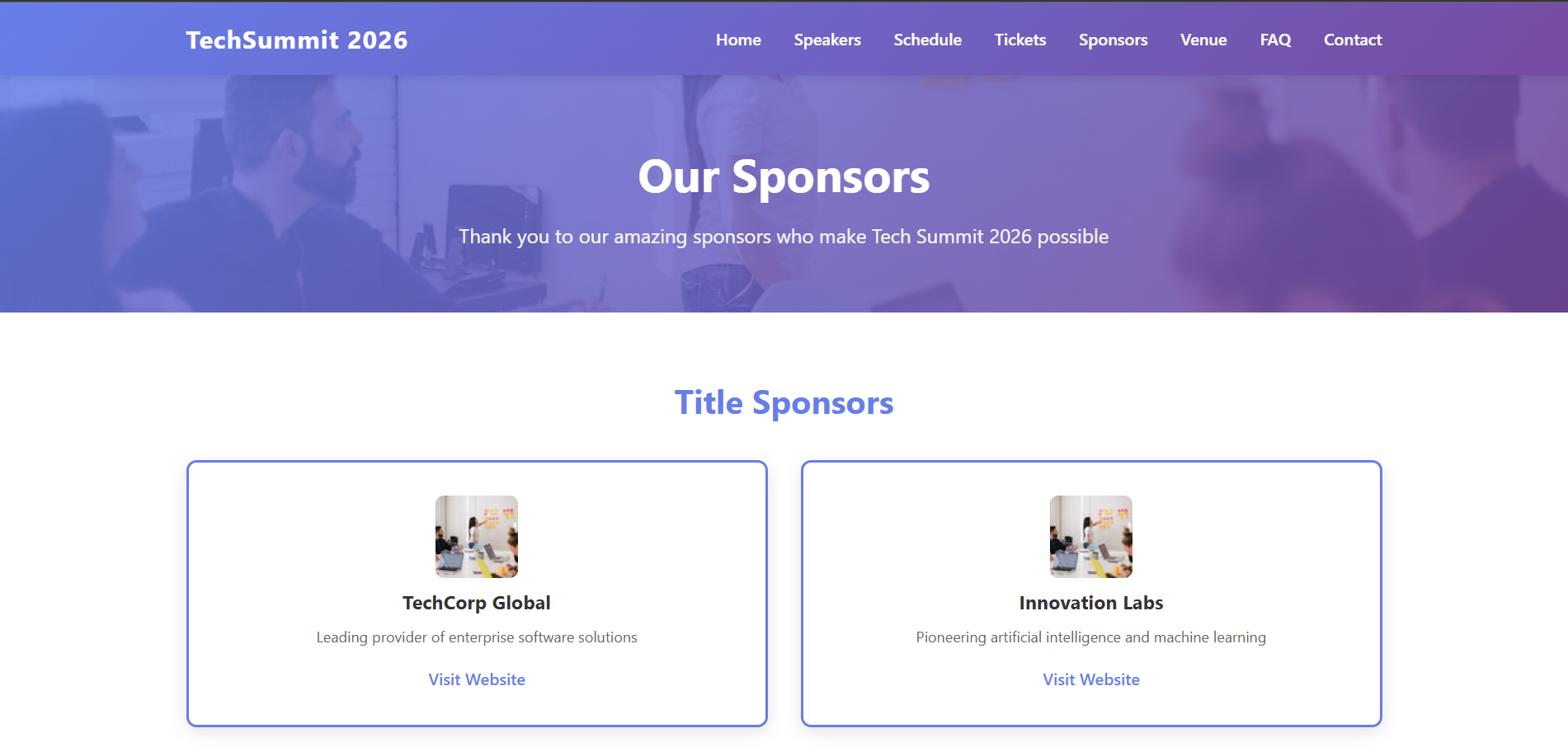
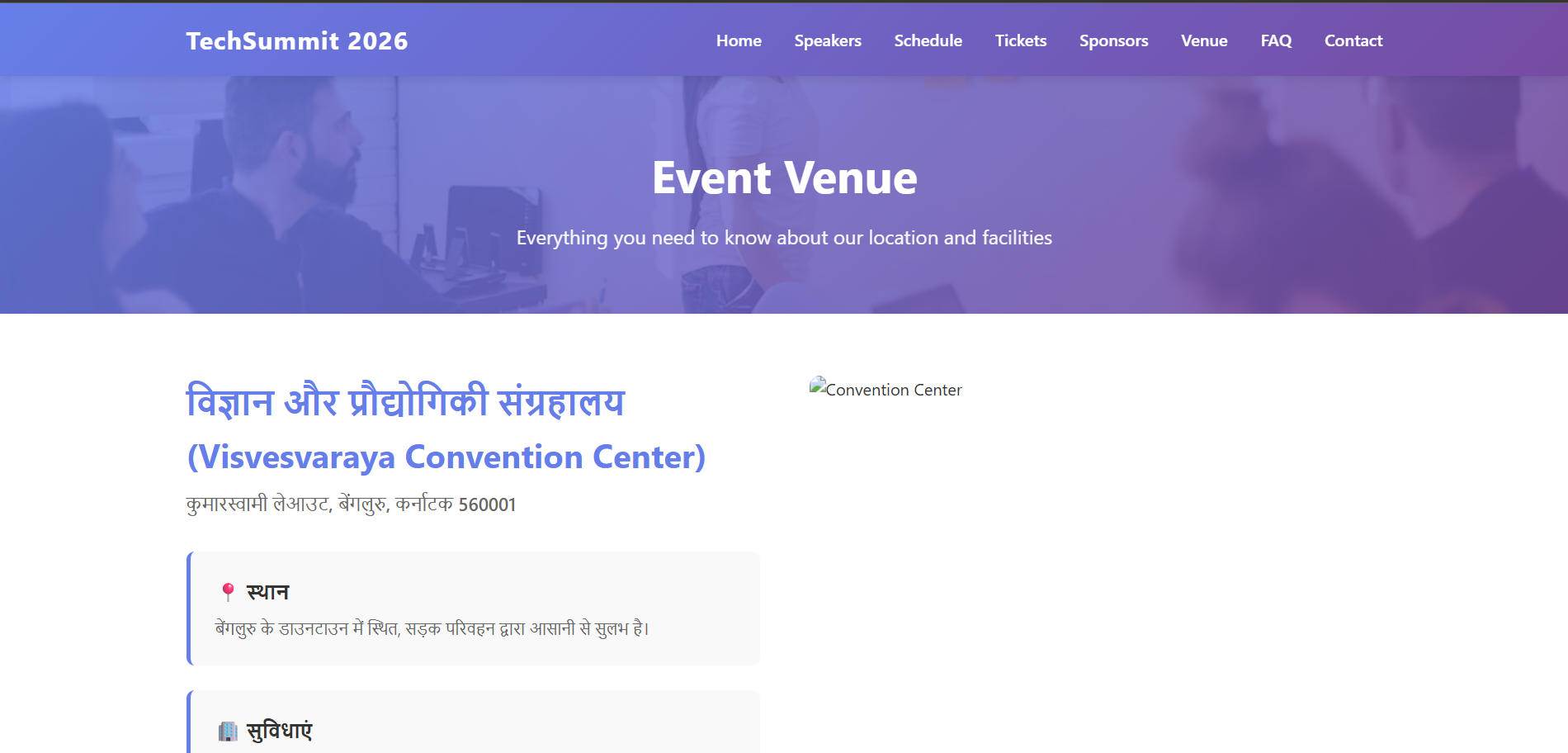
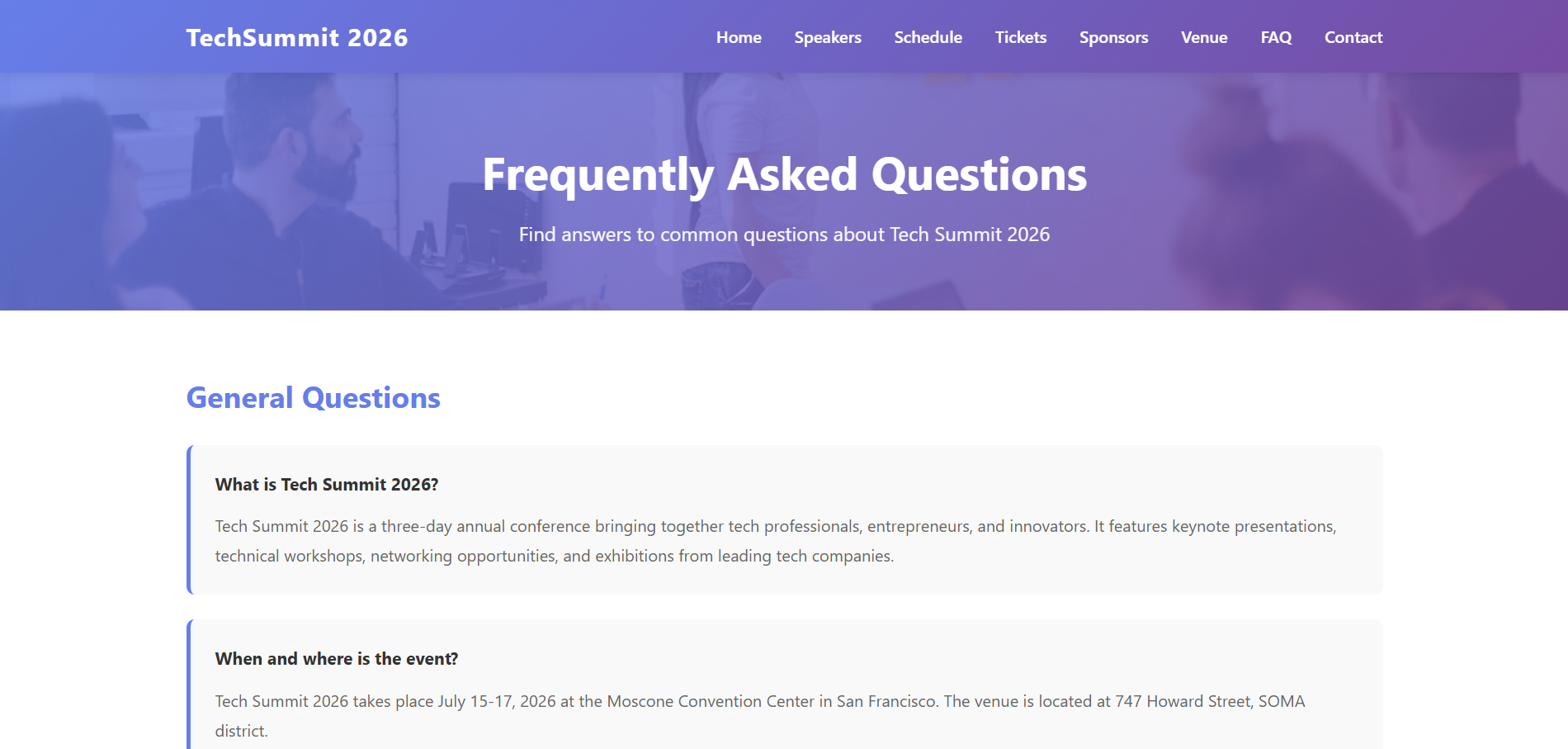
📁 Project Structure
Event Webpage/
├── index.html                 # Home page
├── speakers.html              # Speakers page
├── schedule.html              # Event schedule page
├── tickets.html               # Ticket options & pricing
├── sponsors.html              # Sponsors & partners
├── venue.html                 # Venue & location info
├── faq.html                   # Frequently asked questions
├── contact.html               # Contact & inquiry form
├── assets/
│   ├── css/
│   │   └── styles.css         # All CSS styles
│   └── js/
│       └── script.js          # All JavaScript functionality
└── README.md                  # Project documentation
📄 Pages Description
1. index.html (Home Page)
Main landing page featuring:
- Hero section with event overview
- Event highlights and statistics
- Event schedule timeline
- Featured speakers
- Registration form
- Call-to-action buttons
2. speakers.html (Speakers Page)
Detailed speakers showcase:
- Full speaker profiles with photos
- Speaker titles and companies
- Speaker biographies
- Topics they'll cover
- Social media links
- CTA to tickets page
3. schedule.html (Schedule Page)
Complete 3-day event schedule:
- Day-by-day breakdown (July 15-17)
- Detailed time slots for each session
- Session descriptions
- Track/workshop information
- Venue details for each session
4. tickets.html (Tickets Page)
Ticket purchasing and pricing:
- 6 ticket types with detailed comparisons
- Standard ($99), Premium ($199), VIP ($399)
- Student ($49) & Corporate packages
- Workshop bundles
- Early bird pricing
- FAQ section
5. sponsors.html (Sponsors Page)
Sponsorship information:
- Title, Platinum, Gold, Silver sponsor tiers
- Community partners
- Sponsorship packages
- Benefits for each tier
- Contact for sponsorship inquiries
6. venue.html (Venue Page)
Location and venue information:
- Venue details and address
- How to get there (directions)
- Transportation options (BART, Muni, parking)
- Hotel recommendations with special rates
- Nearby attractions
- Venue amenities and facilities
- Accessibility information
7. faq.html (FAQ Page)
Comprehensive Q&A section:
- 30+ frequently asked questions
- Categories: General, Tickets, Schedule, Venue, Speakers, Sponsorship, Technical
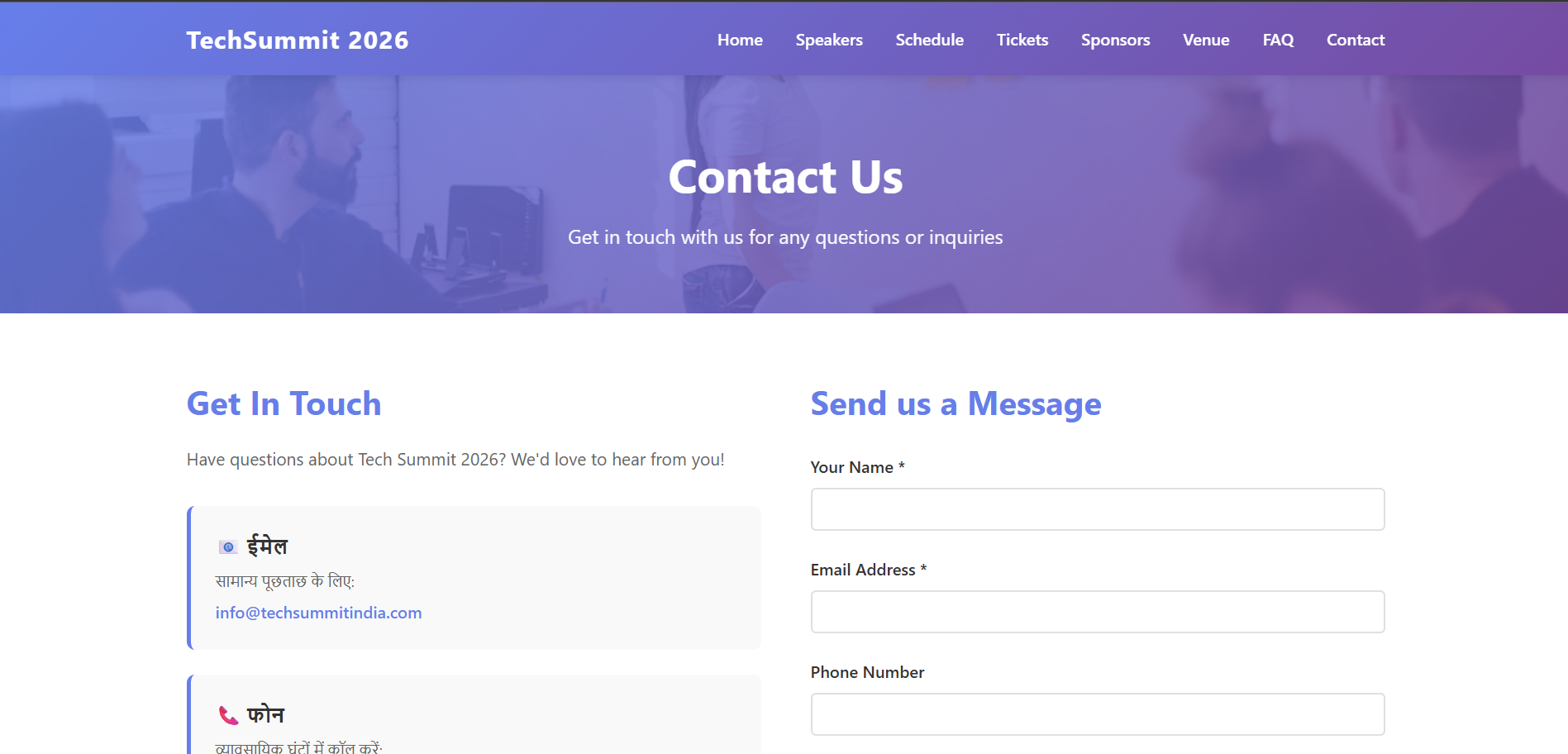
8. contact.html (Contact Page)
Contact information and inquiry form:
- Multiple contact methods (email, phone, address)
- Contact form with validation
- Different inquiry categories
- Quick links to other pages
- Social media links
- Response time notice
🎨 Features
✅ 8 Complete Pages with consistent design ✅ Fully Responsive Design - works on all devices ✅ Modern Gradient Styling - professional color scheme ✅ Interactive Elements - smooth scrolling, hover effects, animations ✅ Form Validation - client-side validation on all forms ✅ Consistent Navigation - same nav bar across all pages ✅ Responsive Grids - adaptive layouts for any screen size ✅ Mobile-Friendly - optimized for smartphones and tablets ✅ Clean Code - well-organized HTML, CSS, and JavaScript ✅ No External Dependencies - pure vanilla tech stack
📱 Responsive Breakpoints
- Desktop: 1200px and above
- Tablet: 768px to 1199px
- Mobile: Below 768px
🚀 How to Use
-
Open the website:
- Open
index.htmlin any web browser - Use navigation menu to visit other pages
- All links are internal (no external dependencies needed)
- Open
-
Navigation:
- Top navbar available on all pages
- Links to all 8 pages: Home, Speakers, Schedule, Tickets, Sponsors, Venue, FAQ, Contact
- Logo links back to home page
-
Forms:
- Registration Form (index.html & tickets.html)
- Contact Form (contact.html)
- All forms include client-side validation
📂 File Sizes
- HTML Files: 8 pages total (~150 KB combined)
- CSS: Single stylesheet (~40 KB)
- JavaScript: Single script file (~10 KB)
- Total: ~200 KB (lightweight)
🔧 Customization Guide
To update event details:
Edit these files:
- Event name/dates: Search for "Tech Summit 2026" or "July 15-17, 2026"
- Speakers: Edit speaker cards in
speakers.html - Schedule: Modify schedule items in
schedule.html - Tickets: Update pricing in
tickets.html - Venue: Change location in
venue.html - Contact: Update contact methods in
contact.html
To change colors:
Edit assets/css/styles.css:
- Primary color:
#667eea(purple-blue) - Secondary color:
#764ba2(dark purple) - Accent color:
#ff6b6b(red)
To add new pages:
- Create new HTML file
- Copy navbar and footer from existing page
- Add content in middle section
- Link from navigation menu
- Add styles to
styles.css
📋 Page Navigation Flow
Home (index.html)
├── Speakers → Speakers (speakers.html)
├── Schedule → Schedule (schedule.html)
├── Tickets → Tickets (tickets.html)
│   └── → Sponsors
│   └── → Contact
├── Sponsors → Sponsors (sponsors.html)
│   └── → Contact
├── Venue → Venue (venue.html)
├── FAQ → FAQ (faq.html)
└── Contact → Contact (contact.html)
🎯 SEO Features
- Semantic HTML5 structure
- Meta tags for all pages
- Descriptive page titles
- Internal linking structure
- Mobile viewport configuration
🔐 Security
- Client-side form validation
- No sensitive data stored
- No external API calls
- Pure client-side implementation
💡 Future Enhancements
- Add actual map integration (Google Maps)
- Connect forms to backend service
- Add event countdown timer
- Implement ticket purchasing system
- Add speaker registration system
- Integrate email notifications
- Add calendar integration
- Implement attendance tracking
- Add live chat support
- Analytics integration
📝 Browser Compatibility
- Chrome (latest)
- Firefox (latest)
- Safari (latest)
- Edge (latest)
- Mobile browsers
🎓 Learning Resources
This project demonstrates:
- HTML5 semantic structure
- Modern CSS3 features (Grid, Flexbox, Gradients)
- Vanilla JavaScript
- Form validation
- Responsive design
- Mobile-first approach
- UX best practices
📞 Support
For questions about customization or deployment, refer to the inline comments in code files or check individual page structures.
📄 License
Free to use and modify for personal or commercial purposes.